

Imagine starting your day with a cup of coffee, checking your task list, and realizing most of the work is already done. Emails answered, content written, meetings scheduled, and research organized without you lifting a finger. Sounds like science fiction, right? Well, not anymore.
We are living in an era where AI agents that automate your workflows can handle the boring, repetitive work for you. These tools do not just assist, they actually replace hours of manual effort, giving you back your time and energy. Whether you are running a business, freelancing, creating content, or juggling too many daily tasks, the right AI agents can help you do more with less effort.
If you are ready to upgrade your productivity in 2026, these AI agents that automate your workflows are your starting lineup. From smarter research and writing to meetings and task management, these tools bring powerful workflow automation into your daily routine and use AI automation to help you work faster, stay organized, and focus on what actually matters.
What Separates an AI Agent From a Regular AI Tool
Before going through the list, this distinction matters because it changes how you think about these tools. Most people treat AI agents that automate your workflows the same as regular AI tools, but they are fundamentally different. A regular AI tool responds when you ask it something. You type a prompt, it replies, and the loop ends there. You still have to take that output and act on it manually, which means the real work is still dependent on you. That is why many so-called AI tools feel helpful but do not actually save as much time as expected.
An AI agent works differently. It monitors conditions, makes decisions, and takes action across multiple steps and platforms without you managing each one. It runs in the background, handles the handoffs, and completes the workflow instead of just contributing to it. This is where workflow automation becomes powerful, because the system is executing tasks end to end rather than waiting for instructions. Think of it this way. A basic AI tool is a smart assistant you still have to micromanage, while an AI agent is an experienced team member who understands the goal and executes it independently. That distinction is exactly why these tools can replace significant portions of manual work rather than just making individual tasks slightly faster.
Before you start using these tools, it also helps to understand the basics of AI itself. If you are still new to the topic, you can read “How to Learn AI From Scratch in 2026: A Complete Expert Guide” first. That article will give you a beginner-friendly foundation, and then this guide will show you how AI agents can be used practically in daily workflows.
1. Manus: AI Agents That Automate Your Workflows by Replacing Your Memory
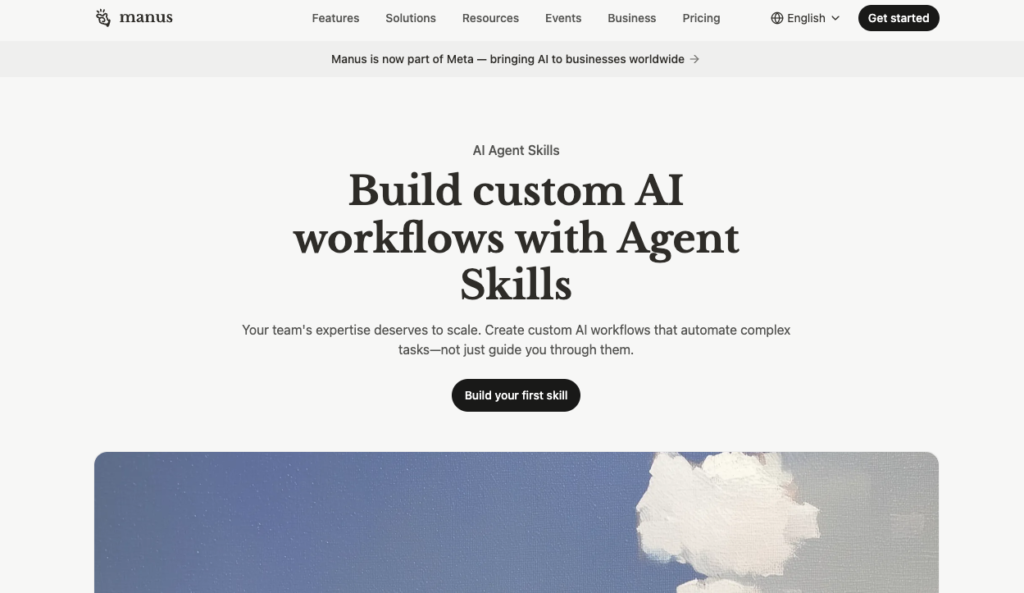
Manus is one of the AI agents that automate your workflows by solving one of the least visible but most expensive time drains in any knowledge work environment: searching. This is why tools like Manus belong in the category of modern AI agents built for real productivity, not just simple chat responses.
Searching for a file, a conversation, a decision that was made three weeks ago in a Slack thread, or a note from a client meeting that you know you took but cannot find can quietly eat hours from your week.
Manus solves this by functioning as a second brain. It stores everything you work with across emails, calendar entries, documents, and chat threads, and surfaces the right piece of information exactly when you need it based on context rather than keyword matching.
The practical difference is significant. Instead of searching through four platforms to find a specific requirement a client mentioned last month, you ask Manus and get the exact exchange in seconds. Instead of retracing your steps through a project’s history, the relevant context appears automatically when you start working on something related.
This matters especially for people who manage multiple clients, switch between projects throughout the day, or operate in environments where institutional knowledge lives in scattered conversations and files. Manus keeps all of it organized and accessible without you doing any of the organizing.
What it handles for you:
- Instant retrieval of past conversations, notes, and documents without manual searching
- Cross-project context awareness so nothing falls through the cracks
- Reduction of the mental overhead that comes with juggling multiple ongoing workstreams
2. Marblism AI: AI Agents That Automate Your Workflows by Running Your Business Like a Team
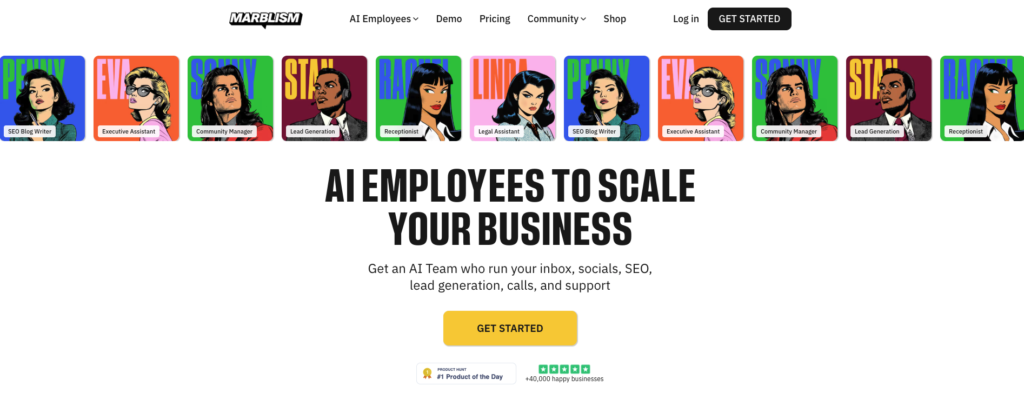
Marblism AI is one of the most complete AI agents that automate your workflows by giving you an entire team of role-specific AI employees, each handling a distinct part of your business. It fits naturally in the category of AI workflow automation tools for beginners because onboarding takes under 30 minutes and requires no technical setup, no coding, and no prompt engineering.
Most solo operators and small teams are wearing five or six hats at once. Inbox management. Content writing. Social media. Lead generation. Customer support. Contract review. Each one feels manageable on its own, but together they consume the majority of the day leaving almost no time for work that actually grows the business.
Marblism solves this by giving you six specialized AI employees, each owning a specific business function. Eva manages your Gmail or Outlook inbox, drafts replies in your tone, and handles scheduling around the clock. Penny researches keywords, writes SEO-optimized blog posts, and publishes directly to WordPress. Sonny creates platform-specific content for Instagram, LinkedIn, Facebook, and X. Stan handles lead generation and personalized outreach. Rachel manages customer support inquiries. Linda handles contract review. In 2026, a feature called The Brain connects all of them, so Sonny automatically reads what Penny publishes and generates matching social captions without any copy-pasting from you.
The practical shift is real. Imagine waking up to an inbox that has already been sorted, with draft replies waiting for your approval written in your own tone. Your blog post from Monday has already been turned into a week of social captions by Sonny, referenced with the same data Penny used, scheduled across every platform. Stan has already queued up personalized outreach emails for the leads you imported. All of this happens while you slept, at a flat subscription that costs less than a single hour of freelance support in most markets.
Setup takes under 30 minutes. You describe your business, connect your tools, and the agents get to work. You review and approve outputs, and each piece of feedback trains the AI to match your style more closely over time. No prompts to write. No workflows to build. The system runs itself.
What it handles for you:
- Six role-specific AI employees covering inbox, content, social media, lead generation, customer support, and contracts
- Inter-agent coordination through The Brain so outputs stay consistent across every channel without manual handoffs
- A full business operations layer running 24/7 at a fraction of the cost of freelance or agency support
If your goal is not just productivity but also income growth, you may also like “7 AI Skills That Can Make You Rich in 2026”. Many of the skills mentioned there, such as automation, AI content creation, and AI-powered business operations, connect directly with the way tools like Marblism AI help solo creators and small teams work faster.
3. Mem: AI Agents That Automate Your Workflows by Managing Your Notes
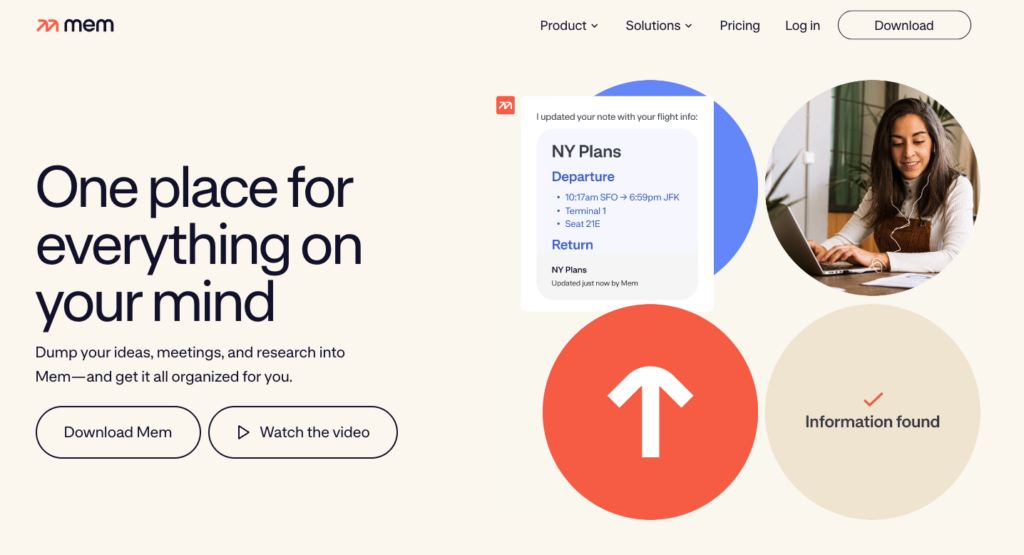
Mem is one of the AI agents that automate your workflows by turning scattered notes into a living knowledge system. For anyone searching for productivity tools that actually save time instead of creating more digital clutter, Mem is one of the strongest options.
Most people take notes. Almost no one goes back and actually uses them. They pile up in folders that never get opened, apps that become digital clutter, and documents that made sense at the time but are now buried under three months of other things.
Mem is built to fix that problem by treating notes as living, connected material rather than static storage. It automatically organizes what you write, finds connections between related ideas, and brings relevant notes back to the surface when you start working on something that relates to them.
A practical example: you wrote notes on a client’s goals three months ago. Today you are starting a similar engagement with a new client in the same industry. Mem recognizes the connection and surfaces those old notes automatically, without you having to remember they exist or search for them specifically.
It also includes a built-in AI writing assistant that generates emails, summaries, and outlines using content you have already created. You are never starting from a blank page. You are building on everything you have documented over time, which compounds in value the longer you use it.
What it handles for you:
- Automatic organization and connection of notes across topics and time periods
- Retrieval of past thinking without manual searching or folder navigation
- AI-assisted writing that uses your existing knowledge base as its foundation
4. Zapier AI Agents: AI Agents That Automate Your Workflows Across Every App You Use
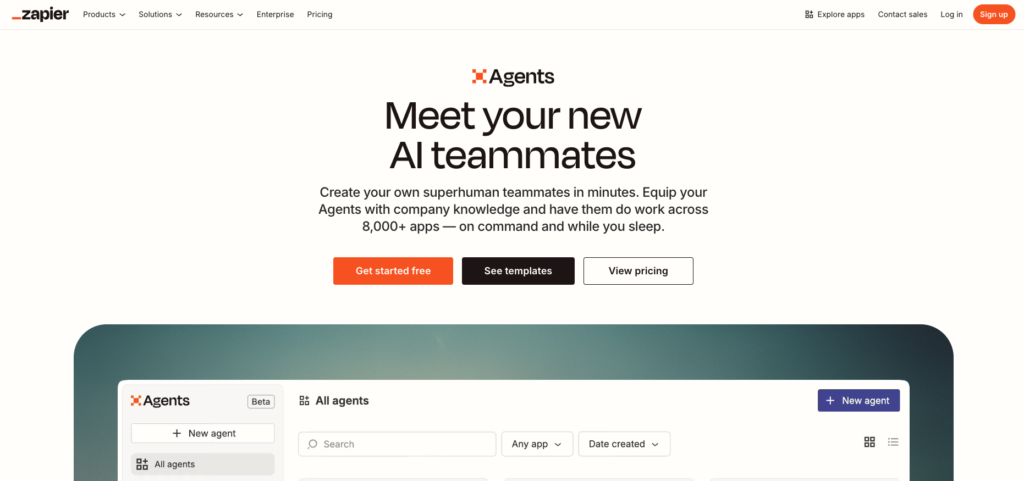
Zapier AI Agents are among the most practical AI agents that automate your workflows across multiple tools, apps, and platforms. If you want to understand how to automate business workflows using AI agents, Zapier is one of the best starting points because it connects the tools your business already uses.
Zapier has been the go-to platform for connecting apps and automating tasks for years. The AI agents layer that sits on top of its existing infrastructure adds something the original tool could not do: actual reasoning.
Classic Zapier automations follow rigid rules. If this happens, do that. The moment something falls outside those rules, the automation breaks or produces the wrong result. Zapier’s AI agents change that by introducing decision-making. They can adapt when conditions change, handle edge cases the original workflow did not anticipate, and take contextually appropriate action rather than following a fixed script.
In practical terms, an e-commerce business can set up agents that handle order tracking, inventory updates, customer confirmations, and performance reports simultaneously, without any of it needing human oversight during normal operation. A services business can build agents that qualify new leads, route them to the right team member, schedule follow-ups, and update the CRM all from a single form submission.
Zapier connects with over 7,000 apps, which means whatever tools your business already runs on, there is almost certainly a way to build agents around them. No code required.
What it handles for you:
- Multi-step automations that adapt to changing conditions rather than breaking on edge cases
- Connections between platforms that do not natively work together
- Elimination of manual coordination across teams and tools
If you want to go deeper into this space and properly learn how AI agents work, check out “Top 7 Online Courses to Master AI Agents in 2026”. That article is a useful next step if you want to move from simply using AI agents to actually understanding, building, and managing them for business workflows.
5. Notion AI: AI Agents That Automate Your Workflows Inside Your Knowledge Base
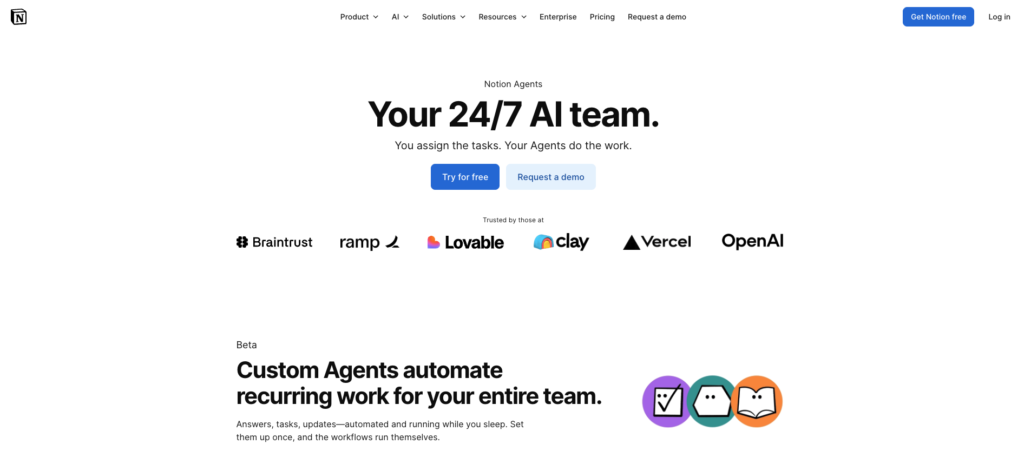
Notion AI is one of the most frictionless AI agents that automate your workflows if your team already works inside Notion. It is also one of the most useful AI tools for turning static documentation into an active workspace that helps you write, summarize, organize, and extract action items.
For teams that already live inside Notion, the AI layer built directly into the platform is one of the most frictionless productivity upgrades available in 2026. You do not have to switch tabs, copy content between tools, or remember to check a separate app. The AI works inside the workspace you already use.
Notion AI can generate first drafts of documents, meeting notes, and project briefs from bullet points you give it. It can summarize long pages into concise action items. It can extract tasks from meeting notes, write responses to comments, translate content, and help structure disorganized information into something usable.
The compounding value comes over time. As your Notion workspace grows, the AI has more context to work with. It understands your team’s vocabulary, your recurring project types, and the structure of how you document things. That makes each output more relevant than what a generic AI assistant would produce.
For project managers, content teams, and knowledge-heavy businesses, Notion AI effectively turns the documentation you were already creating into an active, queryable resource rather than a static archive.
What it handles for you:
- Document and meeting note generation from rough inputs
- Summarization and task extraction from long-form content
- AI assistance embedded directly in the workspace your team already uses daily
6. Otter.ai: AI Agents That Automate Your Workflows in Every Meeting You Attend
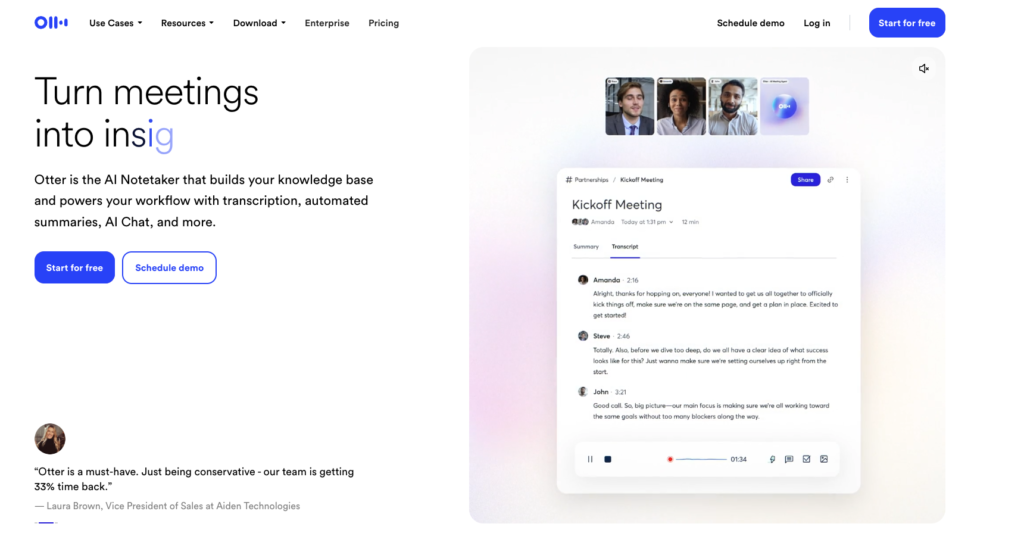
Otter.ai is one of the most useful AI agents that automate your workflows if meetings are eating your week. It fits strongly into the category of AI agents for productivity and task automation 2026 because it handles transcription, summaries, decisions, and action items without needing a human note-taker.
Meetings are one of the most consistent sources of lost information in any organization. A decision gets made, an action item gets assigned, a key detail gets mentioned, and by the time the next day arrives, half of it has evaporated. Someone takes notes but misses things. Someone tries to remember and gets it slightly wrong.
Otter.ai removes this problem by joining your meetings automatically, whether on Zoom, Google Meet, or Microsoft Teams, and doing the entire job of capturing what happens. It transcribes in real time, extracts key decisions, identifies action items, and produces a clean summary you can act on within minutes of the meeting ending.
The OtterPilot feature goes further. You can ask it questions after the meeting: what did we decide about the budget, what did Sarah say about the timeline, what were the open action items. It answers from the actual transcript rather than from memory or notes that might be incomplete.
For teams that spend significant time in calls and video meetings, the time savings compound across every meeting rather than accruing from a single workflow. Meeting documentation is precisely that kind of task.
What it handles for you:
- Real-time transcription and summarization of all meetings automatically
- Extraction of action items and decisions without anyone having to take manual notes
- A searchable record of every meeting that can be queried after the fact
7. Surfer AI: AI Agents That Automate Your Workflows for SEO Content
Surfer AI is one of the AI agents that automate your workflows when your biggest bottleneck is content creation. It brings AI automation into SEO writing by reducing the manual work involved in keyword research, competitor analysis, article structuring, and optimization.
Creating content that performs well on Google is not just about writing well. It requires keyword research, competitive analysis, structural planning, heading optimization, and internal linking strategy. Done correctly and manually, that is several hours of work per article before a single word of actual writing begins.
Surfer AI compresses that entire process. It uses real-time data about what is currently ranking for a given search term to generate a complete, keyword-optimized article structured the way Google rewards. You give it a topic, and it produces content that is ready to publish without the research overhead that usually precedes it.
This matters for any business that relies on organic search traffic, which includes most blogs, service businesses, and content-driven brands. The time savings go beyond individual articles. Surfer AI also supports content cluster planning, internal linking management, and performance tracking, making it a content strategy tool rather than just a writing tool.
For people who have been avoiding content marketing because the production effort feels unsustainable, this is the tool that makes it sustainable without requiring a full content team.
What it handles for you:
- Keyword-rich long-form articles based on real-time ranking data rather than guesswork
- Structural optimization aligned with what Google currently rewards
- Significant reduction in time and cost per piece of published content
8. Perplexity AI: AI Agents That Automate Your Workflows for Research
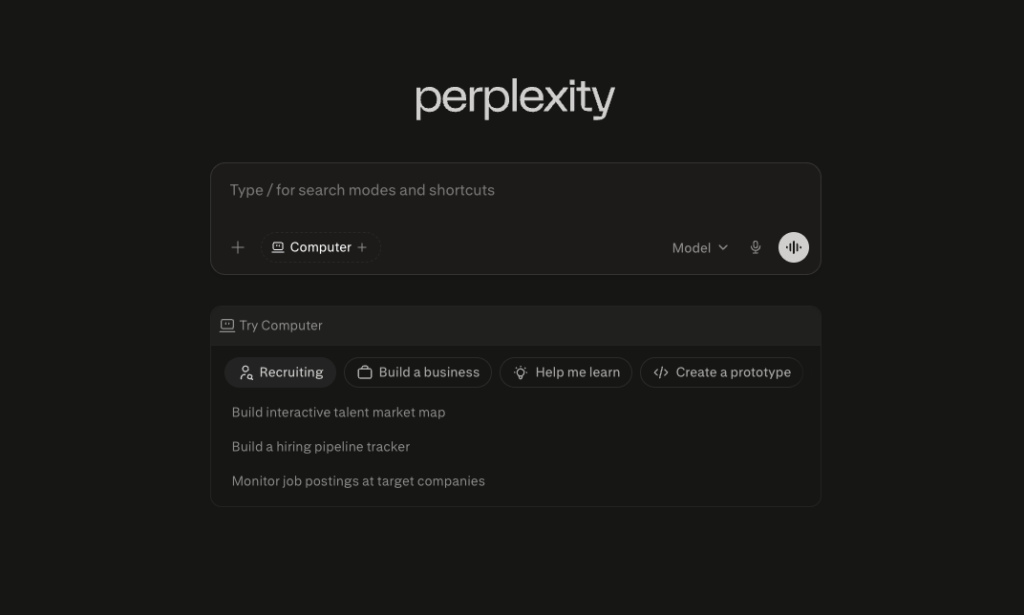
Perplexity AI is one of the AI agents that automate your workflows by reducing the time you spend researching, comparing, and summarizing information. It belongs naturally in any list of the best AI agents to automate workflows in 2026 because it turns slow research into a fast, cited, answer-first process.
Research is one of the most time-consuming parts of knowledge work. Opening ten tabs, cross-referencing contradictory sources, trying to synthesize a clear answer from a pile of partially relevant articles. It is the kind of work that can consume a full hour and leave you with only a rough sense of the answer you needed.
Perplexity AI is built specifically to eliminate that friction. It functions as a research engine that returns synthesized, cited answers to complex questions in seconds. Every response includes numbered source citations you can click through to verify, which means you get both the answer and the evidence simultaneously.
For market research, competitive analysis, industry trends, technical questions, and any task that previously meant opening a browser and reading for 45 minutes, Perplexity produces a sourced response in under a minute.
The tool integrates into daily research workflows without disrupting them. You ask it what you would normally search for, and instead of getting ten links to evaluate, you get a direct, sourced answer. That is a fundamental change in how fast information work can move.
What it handles for you:
- Sourced answers to research questions in seconds rather than minutes or hours
- Synthesis of information across multiple sources so you do not have to do it manually
- A replacement for the majority of daily information-gathering tasks that bog down knowledge work
9. Make.com: AI Agents That Automate Your Workflows Without a Single Line of Code
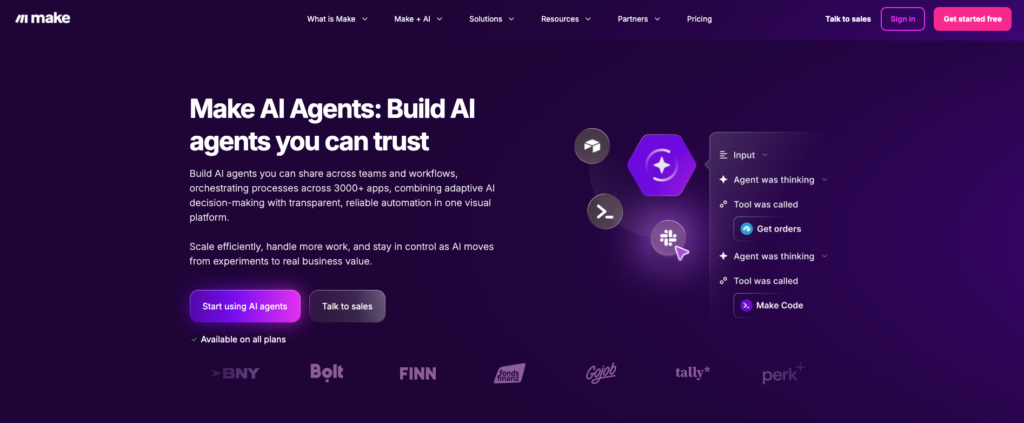
Make.com is one of the strongest AI agents that automate your workflows when you need more control than a basic automation tool can offer. For businesses serious about workflow automation, Make.com gives you a visual canvas to build detailed, multi-step systems without writing code.
If Zapier is the starting point for most people new to workflow automation, Make.com is where people who want more control and complexity end up. It offers a visual canvas where you build automated workflows by connecting apps and defining how data flows between them. No code. No developers. Just drag, drop, and connect.
What sets Make apart is the depth of what you can build. Multi-step workflows that branch based on conditions. Error handling that routes failed tasks to a backup process instead of silently breaking. Scenarios that run on schedules, on triggers, or on demand. The kind of automation that would normally require a developer to set up and maintain.
A digital agency, for example, could build a scenario where a new client form submission automatically creates a project in their management tool, sends a welcome email sequence, adds the client to the CRM, assigns team tasks in Slack, and schedules an onboarding call, without any human touching it manually.
That is five steps that each used to require a person. Make runs them silently, consistently, and without the risk of someone forgetting a step at the end of a busy week.
What it handles for you:
- Complex multi-step workflows that go far beyond basic if-this-then-that logic
- Visual workflow building across tools like Airtable, Google Sheets, Slack, and hundreds more
- Operational consistency for teams managing multiple concurrent processes
10. Revid AI: AI Agents That Automate Your Workflows for Video Creation
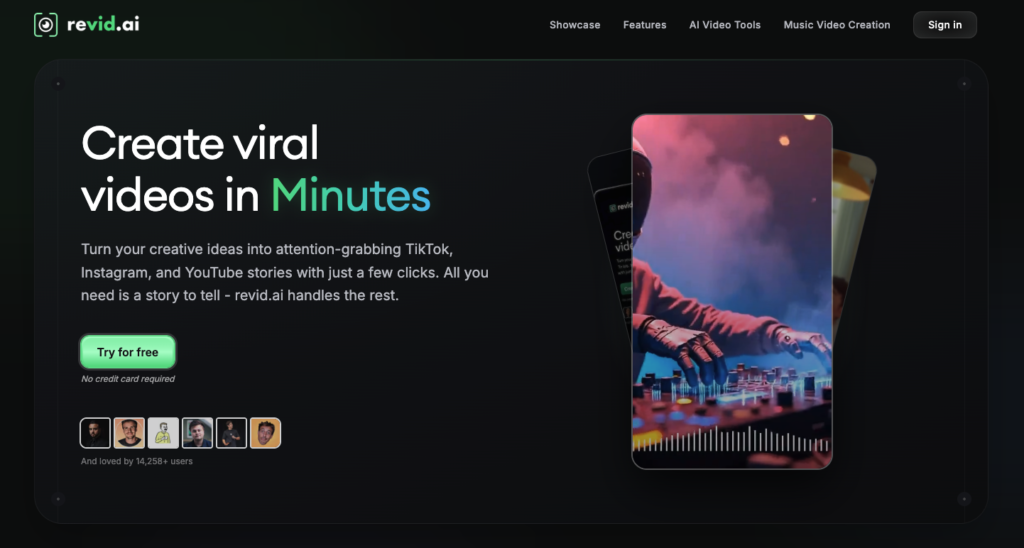
Revid AI is one of the AI agents that automate your workflows if video creation feels too slow, expensive, or technical. For creators and small business owners looking for the best AI agents to automate workflows in 2026, Revid AI makes video production realistic without a full production team.
Video is no longer optional for most businesses and content creators. It is one of the highest-performing content formats across every major platform. The barrier has always been production time, the recording, editing, voiceover work, and rendering that turns a simple idea into a publishable video.
Revid AI removes that barrier by converting text directly into complete, publish-ready videos. You provide a script, an article, or a set of bullet points, and Revid produces a full video with visuals, voiceover, music, and transitions. No filming. No editing software. No production team.
The use cases are broad. A blog post can become a YouTube video. A product announcement can become an Instagram reel. A weekly summary can become a LinkedIn video update. All from text you have already written, in minutes rather than hours.
For marketers, coaches, educators, and small business owners who know they need video but have been priced out by the time and skill it requires, Revid AI makes it a realistic part of a regular content workflow rather than an occasional, labor-intensive project.
What it handles for you:
- Conversion of written content into complete, professional-quality videos
- Realistic voiceovers and polished templates without any editing experience required
- Consistent video output that can match the pace of a writing-based content schedule
How to Actually Start Using AI Agents That Automate Your Workflows
A common mistake people make when they discover AI agents that automate your workflows is trying to implement all of them at once. The result is using many tools at a surface level instead of building a consistent habit with any one of them. Instead of improving output, it often creates confusion and scattered workflows.
A better approach is to identify the one task that takes the most time in your week and focus on solving that first. Choose a single tool from this list that directly addresses that task and integrate it into your daily routine.
- Meetings taking up too much time? Start with Otter.ai.
- Drowning in inbox, content, and social tasks? Start with Marblism AI.
- Notes piling up unused? Start with Mem or Notion AI.
- Content production feeling slow? Start with Surfer AI.
- Manual work across apps? Start with Zapier or Make.com.
- Research taking too long? Start with Perplexity.
- Video creation feeling difficult? Start with Revid AI.
Use one tool consistently for a period of time, understand how it fits into your workflow, and then decide if adding another tool makes sense based on your needs.
FAQs
- Do I need technical skills to use AI agents that automate your workflows? No. All ten tools in this article are designed for non-technical users. Manus, Magical, Mem, Otter.ai, Notion AI, Surfer AI, Perplexity, and Revid require no setup beyond creating an account. Zapier and Make.com both use visual interfaces that walk you through building automations without writing any code. If you can use a standard web app, you can use every tool on this list.
- Can solo freelancers and small business owners benefit from these AI automation tools? Absolutely, and in many ways the benefit is greater for solo operators than for large teams. When you do not have people to delegate to, these tools act as specialized assistants. A freelancer combining Magical, Mem, Surfer AI, and Otter.ai has effectively replaced four recurring manual workflows without adding any overhead. Most tools in this list also have free plans or affordable entry-level pricing.
- How much time can these AI productivity tools realistically save each week? For tools specifically designed for workflow automation, like Zapier, Make.com, or Otter.ai, the savings are considerably higher because full workflows are replaced rather than individual tasks accelerated.
- Are these AI tools secure enough for business use? The platforms listed here are established products with standard enterprise security practices, including data encryption and privacy policies. That said, you should always review each platform’s data handling policies before connecting sensitive business systems. For GDPR compliance or enterprise-level requirements, check the specific documentation for each tool, as security tiers often vary by plan.
- Which of these tools work best together as a stack? The most practical combinations depend on your workflow type. Content creators benefit from Surfer AI, Revid AI, and Perplexity working together: Perplexity for research, Surfer for written content, and Revid to repurpose that content into video. For business operations, Zapier or Make.com connecting Notion AI and Otter.ai creates a system where meeting output automatically populates project documentation. Start with one tool and add a second only once the first is fully embedded in your routine.
- What is the difference between AI automation tools and true AI agents? AI automation tools follow fixed rules. They execute a predefined sequence when specific conditions are met and stop if something falls outside the original configuration. AI agents go further by reasoning, adapting to new inputs, and making decisions within a set of goals. Zapier’s AI agents and the more complex Make.com scenarios represent the agentic end of this spectrum, where the system can handle unexpected situations rather than simply failing.
- Which of these 10 tools should a complete beginner start with first? Marblism AI is one of the lowest friction entry points on this list. Onboarding takes under 30 minutes, no coding or prompt engineering is required, and the AI employees begin producing usable outputs from day one. For someone newer to AI agents, it is one of the fastest ways to experience what it actually feels like to have autonomous agents handling real business tasks rather than just responding to prompts. The feedback loop trains the agents quickly, and most users report seeing meaningful time savings within the first week.
Final Thoughts
The ten tools in this article collectively cover the categories of repetitive work that consume the most time in most professional workflows. Memory and information retrieval. Repetitive typing. Note organization. Cross-app automation. Meeting documentation. Content production. Research. Workspace knowledge management. Video creation. Workflow orchestration.
Each one is a targeted answer to a specific problem. None of them require you to become a power user to deliver real results. And the time savings they produce do not just add up arithmetically. When you remove the friction from multiple categories of work simultaneously, something more valuable happens: you stop operating in a constant state of catching up and start having space to think about what actually moves things forward.
Start with one tool. Pick the one that solves the problem that frustrates you most right now. Use it consistently for 30 days. The compounding effect from there tends to be self-evident.
The gap between people using AI agents that automate your workflows and those still handling everything manually is widening this year. The tools are accessible, the learning curve is minimal, and the return on a week of proper setup can be measured in hours per month for years.